Your house is too hot, you walk to the thermostat, and nothing happens. The screen is blank, the buttons do nothing, or the AC just won’t kick on no matter what you try. Before you pick up the phone, there are five things worth checking, and most of them take under ten minutes.
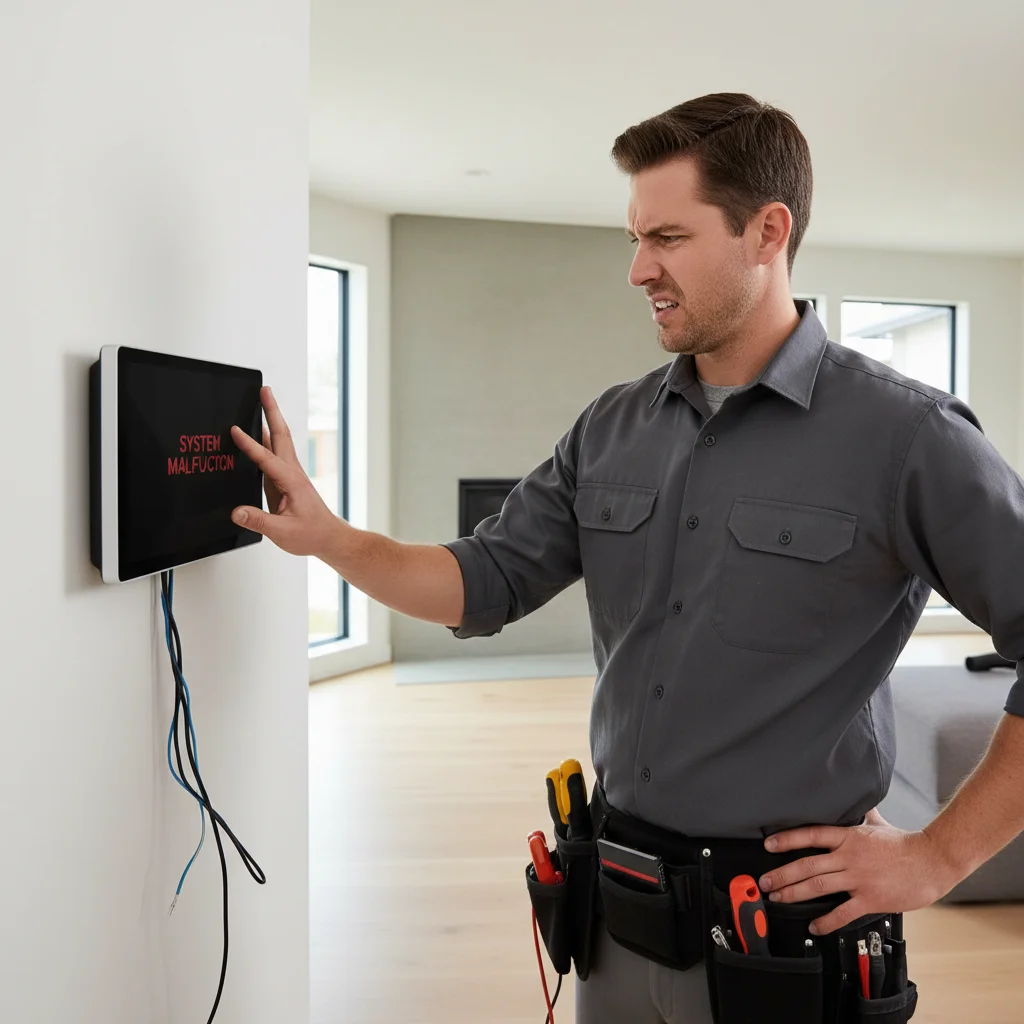
Blank thermostat: batteries, breaker, then float switch
Replace batteries. Check HVAC breakers. Look for a condensate float switch that opened. Those three catch most no-display calls before anyone replaces the control. A thermostat that lights up but will not start cooling may be a system fault. See the smart-thermostat guide if an app disagrees with the outdoor unit.
Checklist
- Do not jump random terminals.
- See smart thermostat not cooling.
- See AC drain clog.
- Use thermostat repair or replacement.
- Use HVAC symptom finder.
Related: Thermostat installation and AC repair.
Blank screen: batteries, breakers, and float switches
A blank thermostat screen has three common culprits. Start with the cheapest one first.
Batteries. Many thermostats, including popular Honeywell T-series models, run on AA or AAA batteries even when they have a C-wire. The batteries act as a backup. When they die, the display goes dark. Swap them out before anything else.
The breaker. Your HVAC system runs on a dedicated circuit, and the thermostat’s 24-volt power comes from the air handler or furnace. If that breaker tripped, the thermostat loses power too. Head to your panel, find the breaker labeled “AC,” “air handler,” or “furnace,” and flip it fully off before resetting it. A breaker that won’t hold is a sign of a deeper electrical problem, don’t ignore that.
The condensate float switch. This one trips up a lot of homeowners in San Diego. Your AC’s drain pan has a small float switch that cuts power to the system if the pan fills with water. It’s a safety feature, and it works exactly as designed, but it also looks like a random system failure. If your AC was running fine and then suddenly everything went dead (including the thermostat), a full drain pan is a very likely cause. Check the pan under your air handler. If there’s standing water, the drain line is clogged. You can try flushing it with a wet-vac, but a backed-up condensate line usually needs a tech to clear it properly.
Nest and Ecobee blank screens are slightly different. Both devices can freeze or reboot if they lose Wi-Fi or if a firmware update stalls. Hold the display for 10 seconds to force a restart. If it still won’t power on, check that the C-wire terminal is seated firmly, these smart thermostats need a continuous 24V signal to stay charged.
AC or heat won’t turn on from the thermostat
The screen is on, you’ve set the temperature correctly, and nothing happens. Here’s how to work through it.
First, confirm the system mode. It sounds obvious, but “auto” mode will not cool if the indoor temperature is already below your setpoint. Switch to “cool” manually and set the target 3-4 degrees below the current room temperature. Give it 3 minutes, most systems have a built-in delay to protect the compressor.
Second, check the fan setting. If the fan is set to “on” and blowing air but no cooling is happening, the problem is in the system, not the thermostat. If the fan won’t run at all on the “fan only” setting, you may have a wiring issue or a blown fuse on the control board.
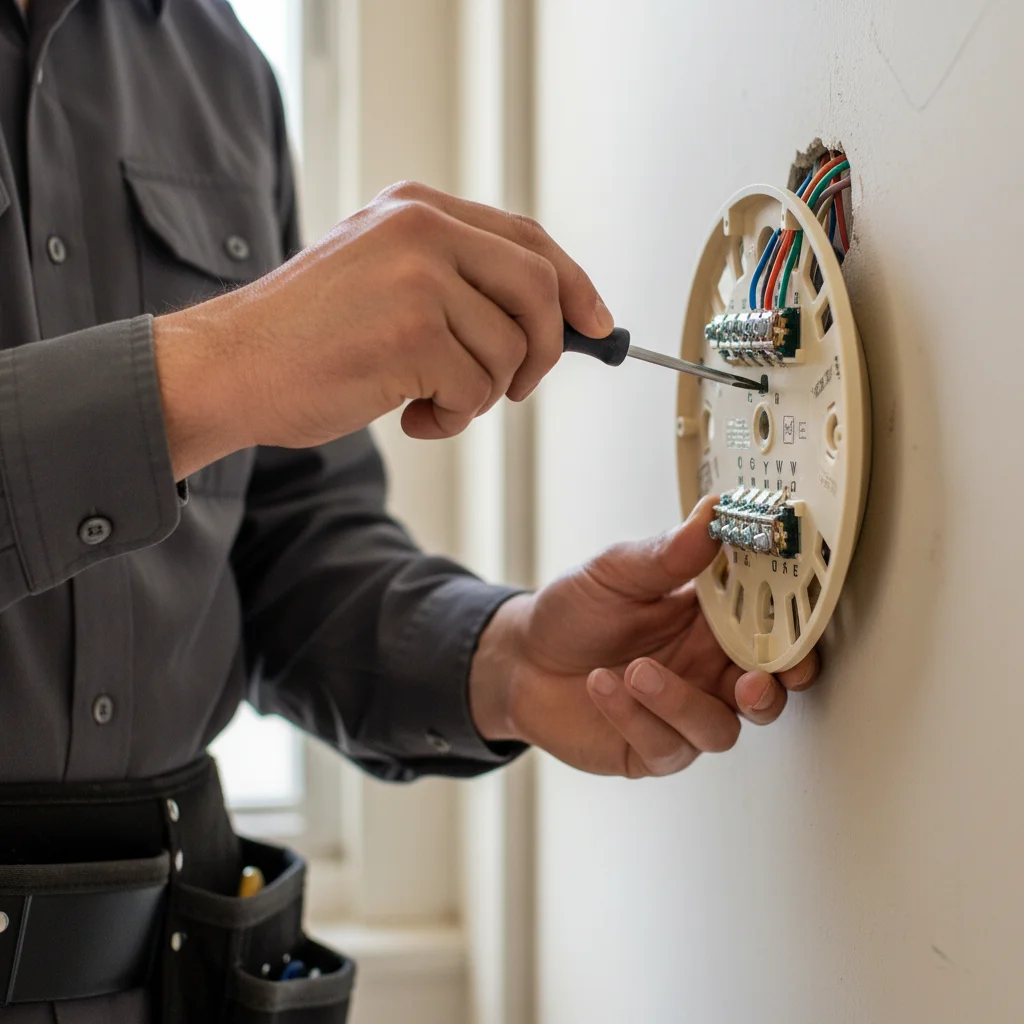
Third, look at the thermostat’s wiring. Pull the thermostat off the wall (usually it clips or screws on). You’ll see terminals labeled R, C, G, Y, W, and sometimes others. A wire that’s slipped off its terminal will kill that function, Y controls cooling, W controls heat. Reseat any loose wires with a small flathead screwdriver.
If the wiring looks fine and the system still won’t respond, the issue is almost certainly downstream in the air handler, furnace, or outdoor unit, not the thermostat itself. At that point, you’re looking at AC repair rather than a thermostat swap.
Wrong temperature readings and where they come from
If your thermostat reads 72°F but the room clearly feels like 80°F, the sensor may be the problem, or the placement.
Thermostat location matters more than most people realize. A thermostat installed near a window that gets afternoon sun, next to a lamp, or in a hallway that doesn’t represent the main living area will read inaccurately. This is one of the biggest hidden comfort problems in older San Diego homes. The fix isn’t always a new thermostat, it’s sometimes just moving it.
Internal sensor drift. Older thermostats (10+ years) can develop sensor drift. If yours is consistently off by more than 3-4 degrees compared to a separate thermometer in the same room, the sensor is likely failing. Most thermostats can’t be recalibrated without replacing the unit.
Ecobee’s remote sensors. Ecobee thermostats ship with remote sensors specifically to fix this problem. If you already have one, make sure the sensor is active in the app and not placed near a heat source. If you’re dealing with consistent temperature complaints in one room, our smart thermostat installation guide covers how multi-sensor setups work in practice.
When it’s the thermostat vs when it’s the system
This is the key question, and it’s worth being direct about it: most of the time when a thermostat seems broken, the system behind it is the real problem.
Here’s a simple way to tell. Put your thermostat in “fan only” mode and turn the fan on. If the air handler fan runs, the thermostat is communicating with the system. If nothing happens, you either have a wiring break or a control board failure.
If the fan runs but cooling doesn’t: the thermostat sent the signal. The outdoor unit, refrigerant level, or capacitor is the likely failure point. That’s an AC repair call.
If heat won’t run: same logic. Swap out the thermostat only after confirming the furnace responds to a direct call for heat. Our signs your furnace is going out post covers what to look for on the furnace side.
Thermostats themselves do fail, especially budget units after 7-10 years, or any unit that took a power surge. But replacing a thermostat when the problem is actually in the system wastes money and leaves you back at square one.
When a smart thermostat upgrade actually fixes the problem
Sometimes a thermostat replacement isn’t just a repair, it solves problems the old unit was creating.
If your Honeywell RTH or older programmable thermostat has been overshooting temperatures (system keeps running past setpoint), a smart thermostat with tighter PID control often fixes it. Nest and Ecobee both regulate temperature in smaller increments than cheap mechanical stats.
If you’re dealing with short cycling, the system turns on and off every few minutes, an old thermostat with a worn heat anticipator or faulty staging logic can be the cause. A new thermostat installation from a licensed tech includes checking the wire configuration and confirming compatibility, which matters especially if you have a heat pump or a two-stage system. Installing the wrong thermostat on a two-stage system is a surprisingly common mistake that causes exactly the kind of problems you were trying to fix.
The California Energy Commission estimates programmable and smart thermostats can reduce HVAC energy use by 10-15% annually when configured correctly. For San Diego homes running AC six or more months a year, that adds up fast.
If you’re considering an upgrade, our smart thermostat installation guide walks through which models work best with different system types common in San Diego County.
Related service: AC installation. Local coverage: all 67 cities we cover in San Diego County.
Not sure this is your symptom? Our HVAC symptom finder matches what the system is actually doing to the likely cause.
When to call us
If you’ve worked through the checks above and the system still isn’t responding, the problem is almost certainly in the equipment, not something a thermostat swap will fix. Wiring faults, failed control boards, refrigerant issues, and condensate drain problems all require a licensed HVAC technician to diagnose safely. Call us at (442) 777-6440.