When you leave a San Diego home for months, don’t shut the AC off. Set the thermostat to 82 to 85 degrees, keep indoor humidity under 60 percent, shut off the main water valve, and put your water heater in vacation mode. A smart thermostat lets you watch the house from wherever you are. That single combination protects against the real threat to a closed-up home here, which is mold, not heat.
Most people picture a vacant house and worry about wasted energy. The bigger risk is what happens to still, warm, humid air with nobody around to notice. A coastal second home in Coronado and a desert place in Borrego Springs face different versions of the same problem. Here’s how to close up either one, watch it from afar, and start it back up clean.
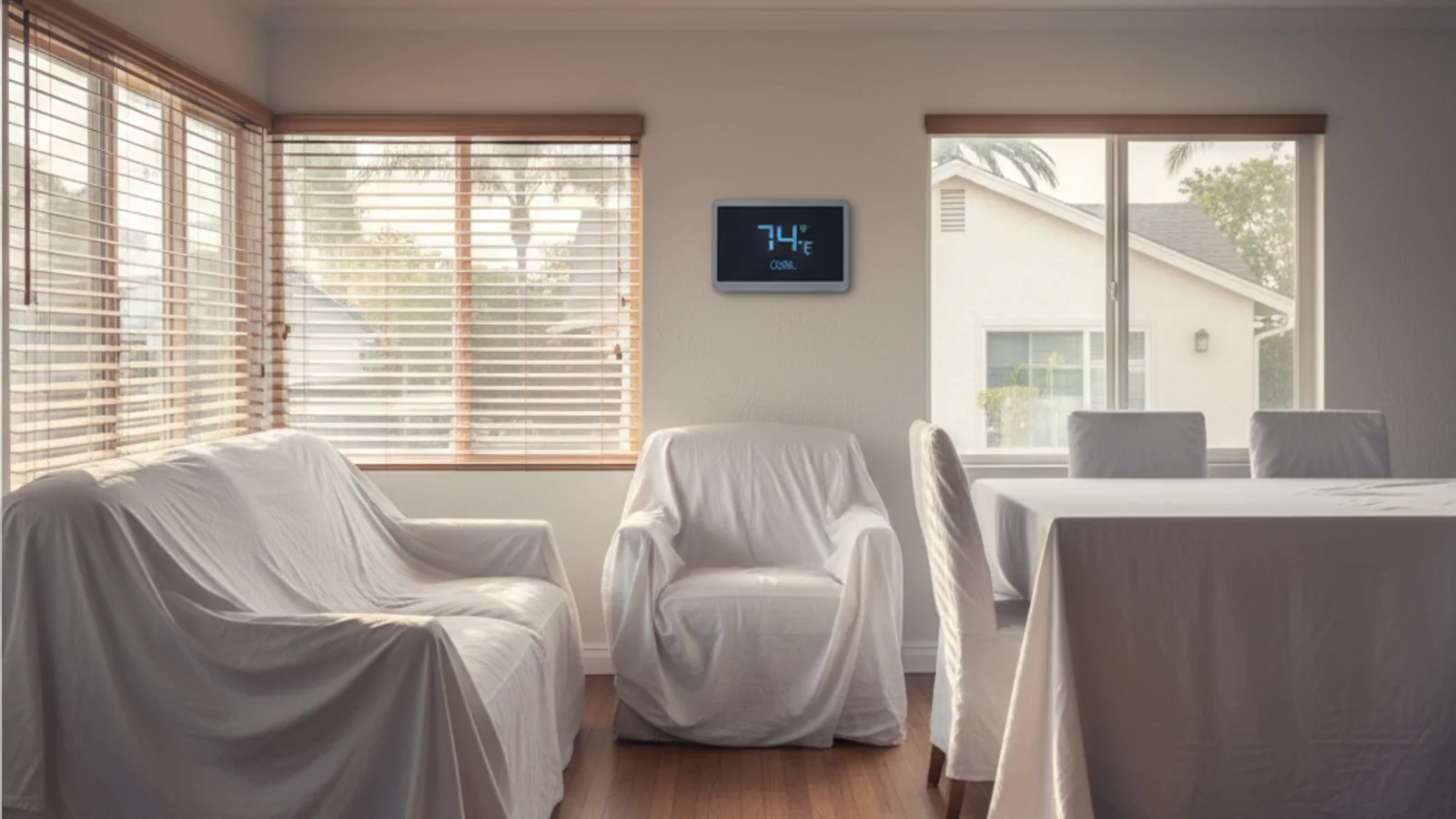
Do not shut a San Diego vacation home AC completely off
Set 82 to 85 F, keep humidity in check, shut the main water valve, and use vacation mode on the water heater. A smart thermostat lets you confirm the house from elsewhere. Closed coastal houses still get marine moisture. Inland houses still get heat spikes. A dead AC plus shut windows can make indoor RH a mold problem.
Checklist
- Replace the filter before you leave.
- Arrange someone local for a breaker trip.
- See humidity San Marcos if the house sits inland.
- See smart thermostat troubleshooting.
- Use HVAC maintenance for a pre-departure visit.
Related: AC repair and indoor air quality.
Before you leave: thermostat, humidity, and what to shut off
The instinct is to turn everything off and save money. That’s the move that gets you a mold remediation bill when you return.
Your AC does two jobs. It cools the house, and it pulls moisture out of the air. Turn it off completely and the second job stops too. The U.S. Department of Energy recommends raising the thermostat for cooling-season absences rather than killing it. The sweet spot for a vacant home is 82 to 85 degrees. Go higher than 85 and the AC may not cycle often enough to control humidity.
Why does humidity matter so much. The EPA says indoor relative humidity should stay below 60 percent, ideally between 30 and 50 percent. Above 60 percent, condensation forms and mold takes hold. In a closed house with no airflow, that line gets crossed faster than you’d think.
San Diego’s two climates push this in opposite directions. Coastal homes deal with the marine layer, so damp air sits against cool walls and breeds mold even when it isn’t hot. Desert homes like Borrego Springs swing between dry days and humid monsoon stretches in late summer. Both need the AC running on a setback, not off.
Here’s the close-up checklist for a long absence.
| Step | What to do | Why it matters |
|---|---|---|
| Thermostat | Set cooling to 82 to 85 degrees | Keeps the AC cycling to pull humidity, without cooling an empty house |
| Humidity target | Hold indoor RH under 60 percent | EPA threshold for stopping mold growth |
| Smart thermostat | Install one before you go, set alerts | Remote temperature and humidity monitoring from anywhere |
| Main water valve | Shut it off at the meter | Stops a burst supply line from flooding the house for months |
| Water heater | Switch to vacation mode or its lowest setting | Cuts standby cost without draining the tank |
| Air filter | Replace it before you leave | A clean filter keeps airflow steady during long runs |
| Condensate drain | Have it cleared and flushed | A clogged drain line backs up and feeds mold in coastal homes |
| Interior doors | Leave them open | Lets conditioned air reach every room |
| Shades and blinds | Close them | Blocks solar heat gain so the AC works less |
On the water side, the advice is consistent across plumbing pros: shut the main valve when you’re gone for more than a few days, and put the water heater on its vacation setting rather than fully off. That keeps the tank from sitting cold and stale while still saving energy. For a months-long absence in a place that freezes, like the desert in winter, ask whether the system should be drained instead.
If your house still runs an old manual thermostat, a smart thermostat installation is the single most useful upgrade you can make before a long trip. It’s the difference between guessing and knowing.
Remote monitoring: watch the house from anywhere
A setback thermostat is good. A setback thermostat you can see on your phone from another state is far better.
Modern smart thermostats report indoor temperature and humidity in real time and send alerts when something drifts. Set a high-humidity alert at 60 percent and a high-temperature alert a few degrees above your setback. If the AC quits while you’re gone, you find out in minutes instead of in October.
For a high-value second home, layer in a couple of cheap sensors. A water leak detector under the water heater and beneath sinks will text you the moment it sees moisture. Several models, like the Moen Smart Leak Detector, also track temperature and humidity, so you get a second reading independent of the thermostat. Whole-home monitoring platforms such as Alarm.com tie thermostat, humidity, and leak data into one feed with mold-risk alerts.
The point isn’t gadgets. It’s reaction time. A failed AC in a humid coastal home becomes a mold problem in days. Catch it early and you make one phone call. Miss it and you come home to a project.
Here’s a simple alert setup for a vacant San Diego home.
- High humidity alert at 60 percent indoor RH
- High temperature alert at 88 degrees, a few degrees above your 85 setback
- Power-loss or offline alert, so you know if the unit lost connection
- Water leak alerts under the heater, sinks, and any second-floor bathroom
When you return: the startup checklist
You don’t just walk in and crank the AC. A system that’s been on light duty for months deserves a quick once-over, especially if you want it cooling hard on your first hot afternoon back.
Run through this when you arrive.
- Check the air filter. If you didn’t swap it on the way out, swap it now. Months of light running still loads it up.
- Turn the main water valve back on slowly. Open it gradually and watch for the sound of running water, which signals a leak somewhere in the house.
- Check under sinks and around the water heater. Look for any moisture or staining before you trust the system.
- Take the water heater off vacation mode. Give it time to come up to temperature before you expect hot water.
- Drop the thermostat to a normal setting and listen. The outdoor unit should kick on within a minute or two with a steady hum, not a buzz or a rattle.
- Feel the air at a vent. It should turn cold within a few minutes. Weak or warm air points to a refrigerant or airflow issue.
- Check the condensate drain. Look for water pooling near the indoor unit, which means the drain line clogged while you were gone.
- Smell the air. A musty smell when the system first runs is the early warning sign of mold in the ducts or on the coil. Don’t ignore it.
- Walk the house for humidity. Damp spots on walls, condensation on windows, or a clammy feel mean the setback didn’t hold.
If anything on that list looks off, get it checked before you settle in. The startup moment is when small problems announce themselves, and it’s the cheapest time to fix them.
Why a pre-arrival maintenance check matters
Here’s the move most second-home owners miss. Have a tech check the system a few days before you arrive, not after something fails.
A pre-arrival visit does three things. It confirms the AC actually survived the absence and is cooling at full strength. It catches a clogged drain, a weak capacitor, or early mold before you’re living in it. And it means you walk into a cool, dry, ready house instead of a service-call scramble on your first day back.
This is especially worth it in the desert. A Borrego Springs home sitting through summer monsoon humidity, then expected to cool a peak desert afternoon the day you land, is asking a lot of a system nobody has touched in months. A coastal home in Coronado faces the slower, sneakier version, where months of marine-layer moisture quietly set up mold the thermostat alone couldn’t fully stop.
The clean solution for part-time residents is a standing arrangement. A scheduled AC maintenance visit before each arrival, plus a mid-absence check on a long trip, keeps the system honest and gives you eyes on the house when you can’t be there. We do this for second-home owners across the county, from the coast to the backcountry.
We work as a referral service, matching you with vetted local HVAC pros who handle the seasonal close-up and startup. You get the same crew each visit, so they know your house. No license numbers to chase, no cold-calling strangers, no guessing whether the person showing up is any good.
Whether your place is on the coast in Coronado or out in the desert in Borrego Springs, we can set up a while-you’re-away check that fits your travel schedule. Call us at (442) 777-6440 to set one up.
FAQs
What temperature should I leave my AC at when away for months?
Set cooling to 82 to 85 degrees. That keeps the AC cycling enough to pull humidity out of the air while not wasting energy cooling an empty house. The Department of Energy recommends raising, not killing, the thermostat for cooling-season absences. Don’t go above 85, or the unit may not run often enough to control moisture.
How do I prevent mold in a vacant San Diego home?
Keep indoor humidity under 60 percent, which the EPA cites as the threshold for mold growth. Leave the AC running on a setback so it dehumidifies, replace the filter before you go, clear the condensate drain, and leave interior doors open for airflow. Coastal homes need this most, since the marine layer keeps damp air against cool walls.
Should I turn off my AC completely when I leave?
No. A fully off AC stops removing humidity, and still, warm, damp air is what grows mold in a closed house. Set it to 82 to 85 degrees instead so it keeps cycling. Turning it off to save a little energy can cost you a mold remediation bill that dwarfs the savings.
Should I shut off the water when I leave for the season?
Yes, shut the main water valve at the meter for any absence longer than a few days. A burst supply line can flood a vacant house for weeks before anyone notices. Put the water heater on its vacation setting rather than fully off, and on a long desert-winter absence, ask whether the system should be drained.
Is a pre-arrival HVAC check really worth it?
For a second home, yes. A check a few days before you arrive confirms the AC cools at full strength, catches a clogged drain or early mold before you’re living in it, and means you walk into a cool, dry house. It turns a possible first-day service scramble into a non-event. It pairs naturally with a standing AC maintenance plan.
Related service: AC repair.