A Honeywell Pro Series thermostat may work with your HVAC system. The answer depends on the exact thermostat model and the equipment it must control. Confirm both before buying or scheduling installation.
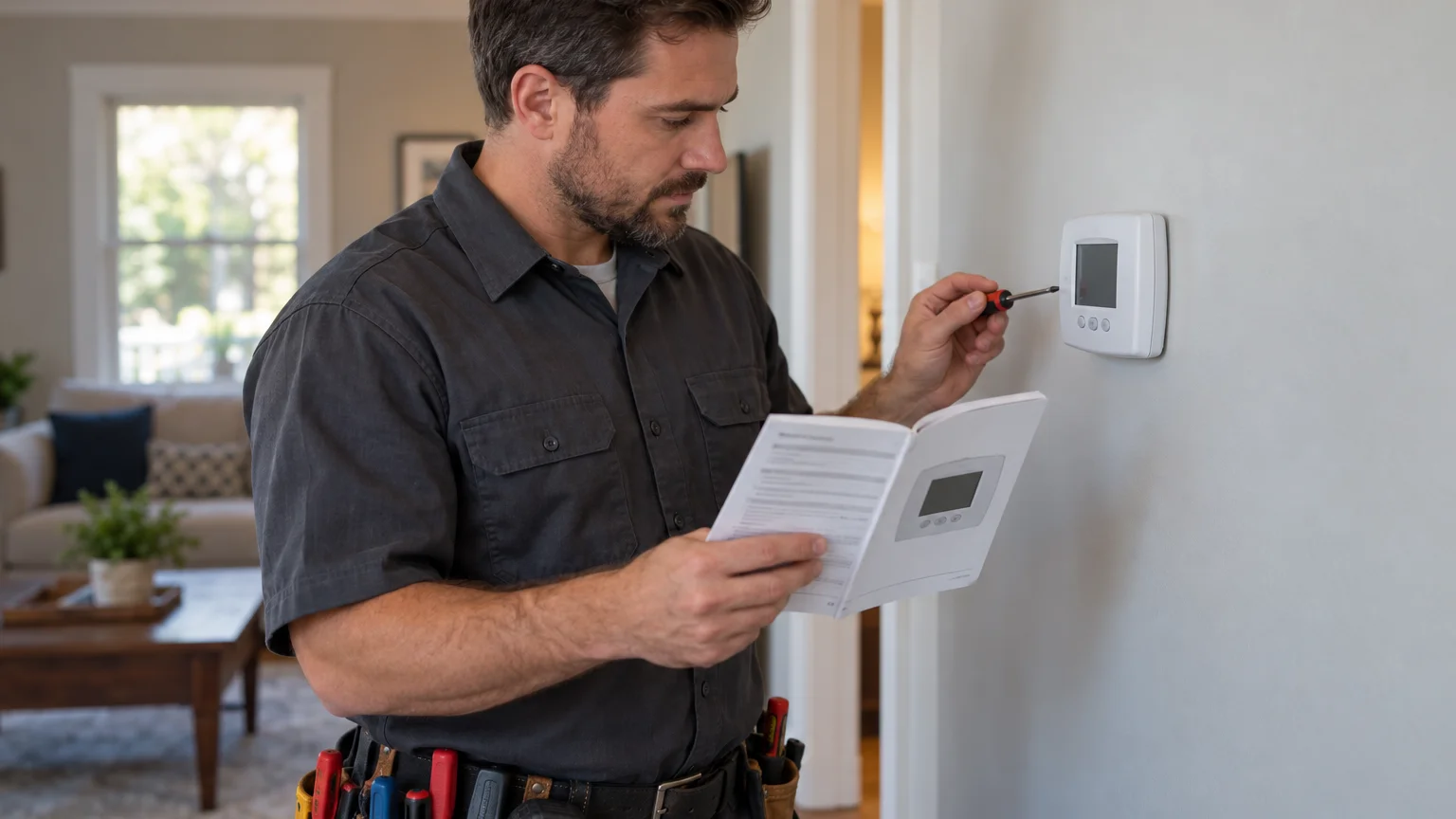
Which Honeywell Pro Series model do you have?
Start with the complete model identifier, not “Honeywell Pro Series.” That phrase covers a product family, so it isn’t enough for a reliable compatibility decision. Climate Pros SD couldn’t confirm one set of requirements that applies to every model in that family.
Look for the identifier printed on the thermostat, packaging, or included documents. Copy every letter and number exactly. A similar-looking model may have different requirements, features, or setup choices.
If you’re considering a thermostat online, ask the seller for the complete identifier. Don’t make the purchase from a product photo alone. Save a copy of the listing and compare its identifier with the manufacturer’s current documentation.
Gather these items before checking compatibility:
- The complete thermostat model identifier
- A photo of the thermostat’s front and back
- The exact manual supplied with that model
- Photos of the existing thermostat connections
- Equipment labels from the indoor and outdoor units
- A list of every heating and cooling mode you use
The display may also show a model or version entry, but the exact method varies. Use the model’s official instructions rather than a generic reset, calibration, or setup video.
Already dealing with a blank screen, error, or incorrect operation? Use our Honeywell thermostat troubleshooting guide first. Troubleshooting an installed thermostat is different from deciding whether another model will fit your system.
Climate Pros SD isn’t Honeywell and doesn’t claim manufacturer authorization. We connect San Diego County homeowners with independent, licensed HVAC professionals.
What equipment details affect compatibility?
The thermostat has to be evaluated against the equipment already installed. A wall plate and familiar display don’t confirm that match. The exact thermostat manual and the HVAC equipment documentation should control the decision.
Record the labels from each connected component. Depending on the home, that may include indoor heating equipment, an air handler, outdoor cooling equipment, or a heat pump. Don’t remove equipment panels to find information. Use labels that are safely visible, or let a licensed professional inspect the system.
Ask the manufacturer or contractor to compare these details:
- The complete model identifier for each HVAC component
- Whether the system provides heating, cooling, or both
- Whether one thermostat controls one zone or several
- The number and labels of existing thermostat connections
- Any accessories controlled from the thermostat
- The thermostat’s stated power requirements
- The installation and configuration requirements in its manual
A photo of the old thermostat connections can help document what’s present. It doesn’t prove that the prior setup was correct. Don’t move connections based only on their colors or a diagram for another model.
Power requirements deserve a separate check. If the manual refers to a common connection, compare that requirement with the actual system. Our thermostat C-wire guide explains what information to gather without turning the check into a wiring project.
For connected features, review our Wi-Fi thermostat compatibility guide. Network features and HVAC compatibility are separate checks. Confirm both if you expect remote control or app access.
How do heat pumps and staged systems change the check?
Heat pumps and staged systems require closer model-by-model review. Climate Pros SD couldn’t confirm universal Honeywell Pro Series support for those configurations from the approved claims ledger. The exact manual must state what the specific thermostat can control.
First, identify the equipment without guessing from the thermostat screen. Ask a licensed HVAC professional to confirm whether the system is conventional or a heat pump. The contractor should also identify the available operating stages and any additional control functions.
Use this checklist during the review:
- Does the thermostat manual name the installed system type?
- Does its documented configuration match the available stages?
- Does the system include auxiliary or emergency operating modes?
- Does one control serve separate heating and cooling equipment?
- Are zoning controls or other accessories involved?
- Does the manufacturer require professional setup for this model?
Don’t assume that a “heat pump” setting settles the matter. The thermostat still needs to match the installed equipment and its control arrangement. Likewise, seeing extra connection labels doesn’t prove the thermostat supports every function your system uses.
This matters across San Diego County because homes don’t all use the same heating and cooling setup. Ocean moderation affects coastal San Diego, while nearby inland valleys experience warmer summer days. Those climate differences may shape how homeowners use their systems, but they don’t establish thermostat compatibility.
If you already have heat-pump equipment, keep its full model information with the thermostat documentation. That gives the manufacturer or licensed pro something specific to compare.
Where can you confirm the current model requirements?
Use the current manufacturer documentation for the exact identifier you recorded. A general product page, retail description, or manual for a related model isn’t a substitute.
Search the manufacturer’s official support site using the complete identifier. Check that the document’s model list includes your thermostat without adding or dropping letters. If the manual covers several models, note which instructions apply to yours.
Then compare three sources:
- The exact thermostat manual
- The documentation for the connected HVAC equipment
- The system details confirmed at the home
If those sources conflict, stop the installation decision. Ask the manufacturer or a licensed HVAC professional to resolve the mismatch. Don’t fill the gap with instructions from a forum, video comment, or different thermostat model.
Current prices couldn’t be confirmed from the approved claims ledger. Each retailer and contractor sets its own price. Ask the matched pro what their diagnostic or installation fee is before agreeing to work.
There also isn’t a verified “best smart thermostat for 2026” in the ledger. The useful choice is one whose documented requirements match your equipment and desired controls. Features matter only after that compatibility check passes.
For broader installation planning, see our thermostat installation service. Climate Pros SD refers customers to independent local professionals. The customer contracts with and pays the selected professional directly.
When should a licensed pro verify the setup?
Bring in a licensed HVAC professional when the model documents don’t give a clear answer. Professional review also makes sense when equipment labels are missing, several components are connected, or the existing setup doesn’t match the manual.
A pro should verify the system rather than identify it from one connection or display setting. That review may include the equipment type, control functions, available stages, power arrangement, and current configuration. Ask for the compatibility conclusion in plain language before installation begins.
California’s C-20 HVAC classification includes thermostatic controls connected with covered heating, ventilation, and air-conditioning systems. That describes the contractor classification, not Climate Pros SD. You can verify a contractor through the California Contractors State License Board.
Every HVAC pro in the Climate Pros SD network is licensed and insured. Still, ask the specific contractor to explain:
- Which thermostat identifier they evaluated
- Which equipment labels they checked
- Which manufacturer document supports the match
- Whether all existing system functions will remain available
- Who will configure and test the completed setup
- What their installation fee is
- Whether any separate manufacturer support is needed
Don’t ask for a compatibility guarantee based on the words “Pro Series.” Ask for a documented match between one thermostat and one installed system. That produces a clearer buying decision and reduces avoidable surprises.
When to call us
Call when the exact manual is unclear, the system has multiple stages, or a heat pump needs verification. Call us at (442) 777-6440 and we will match you with a licensed local pro.